
How to Search for a Warrant in Tipton County
The Tipton County Online Court Records System indexes Circuit and General Sessions cases. Use it to find a court and docket. It cannot certify a warrant either way. The Sheriff posts no searchable county warrant list, so the portal plus a clerk call is the practical route. Search your own case, or help a relative who gives permission, using a full legal name, case year, case number, citation, or court date when you know one. That narrows things fast. Then call the issuing clerk and ask for the exact process label, its current status, and the next step.
- Select Circuit or General Sessions, then choose Criminal or Civil if the case type is known.
- Search by Party Name, Case Year, or Case Number and review the court and docket details.
- For a city ticket, call the municipal clerk named on the citation or listed by Tennessee courts.
- Ask the issuing clerk about any warrant, capias, FTA entry, service return, or recall.
- If the matter may be federal, juvenile, Chancery, or sealed, use that separate office or counsel.
Tipton County Sheriff Has No Public Warrant Search
The Tipton County Sheriff publishes no public active-warrant list. No warrant phone line or status form exists either. It does list contacts for corrections and dispatch. Call the Sheriff's public number to ask where a question belongs; staff route service and custody questions but give no phone lookup. That much is clear on the page. For adult county case records, the Circuit and General Sessions clerk remains the keeper. The Tipton County Sheriff page describes the office and its public contacts.
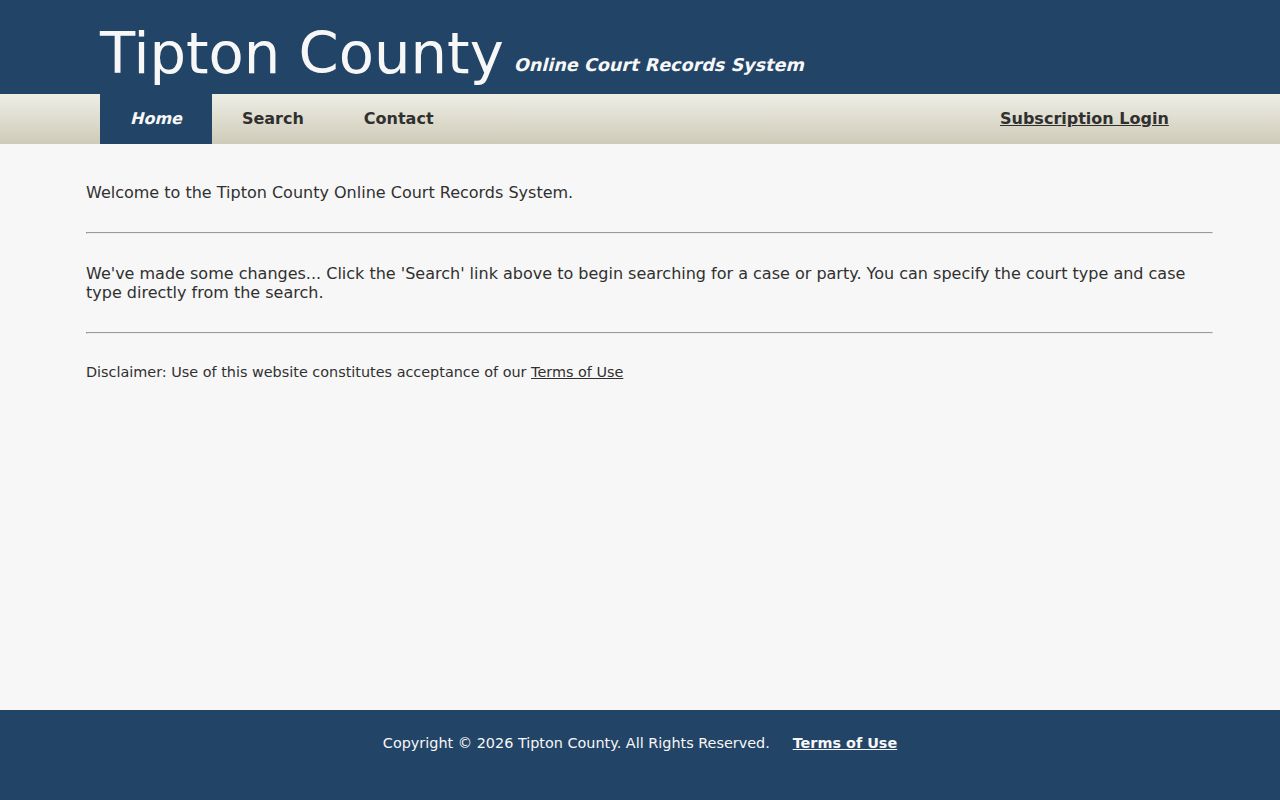
The Tipton County case portal is the local public search interface, not a Sheriff warrant database.
Tipton County Warrant Search Fields
Tipton County's court portal asks for case-search inputs, not a dedicated warrant form. A name can locate a docket. A common-name match should be checked against the court, case year, and case number with the clerk before you treat it as the right file. The search options include no warrant type, bond, active or inactive flag, or service filter. Choose only the court and case categories that fit. Never assume city, juvenile, or sealed records appear. The portal is no warrant check.
| Field | Type | Use |
|---|---|---|
| Party Name | Text | Locate an indexed case; confirm identity with the clerk. |
| Match all search terms | Checkbox | Narrow a multi-term name query. |
| Case Year | Text | Search the year when known. |
| Case Number | Text | Search a known court or citation identifier. |
| Court Type | Checkboxes | Circuit Court and General Sessions. |
| Case Type | Checkboxes | Criminal and Civil; no Traffic option was observed. |
The portal instructions describe the local search terms and limits.
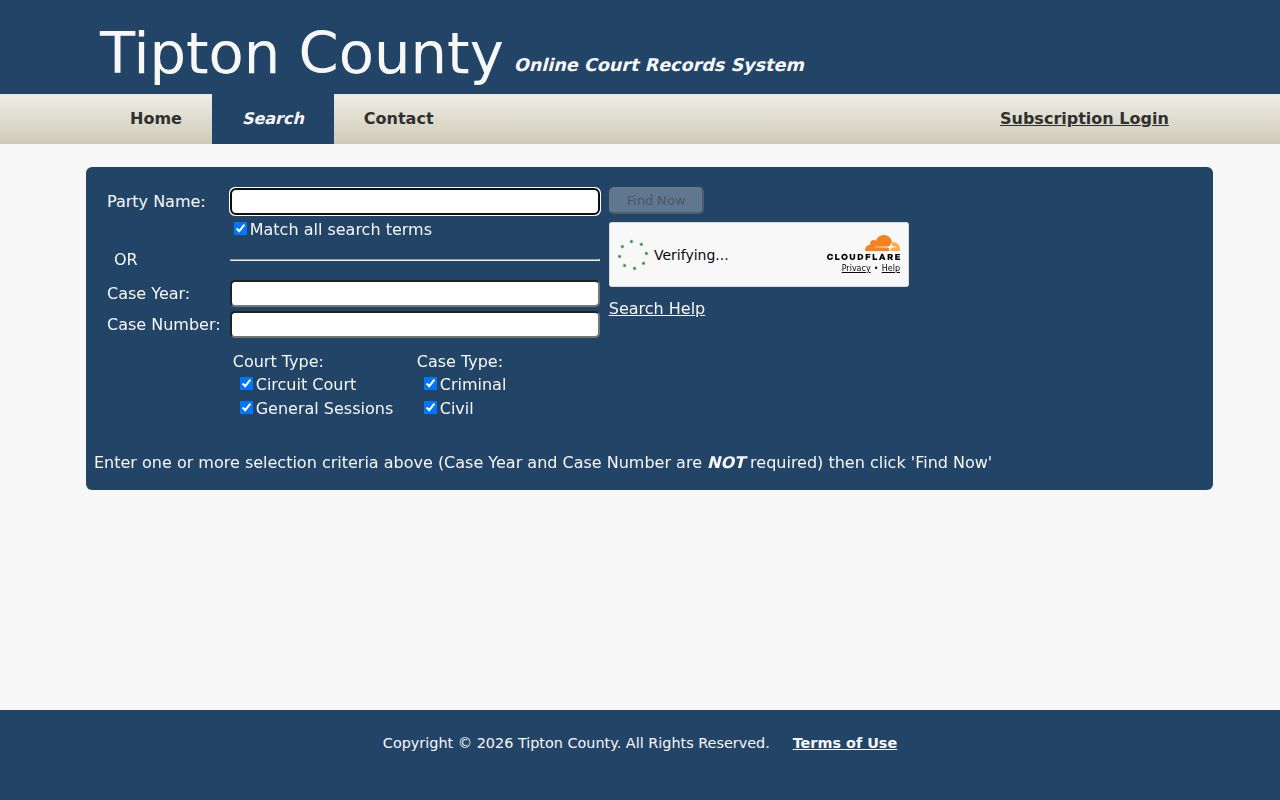
These are case-search fields, not a warrant number or current-status query.
Tipton County Portal Search Has No Warrant Field
The Tipton County portal covers Circuit and General Sessions, Criminal and Civil, with no city or separate traffic filter. Turnstile may appear before a search runs. Broad queries can hit the 2,500-row cap. Narrow by year, court, or number. Query text is normalized, but wildcard matching is not promised, and the county's Citizen Request Center routes questions to Sheriff, Corrections, and Courts.
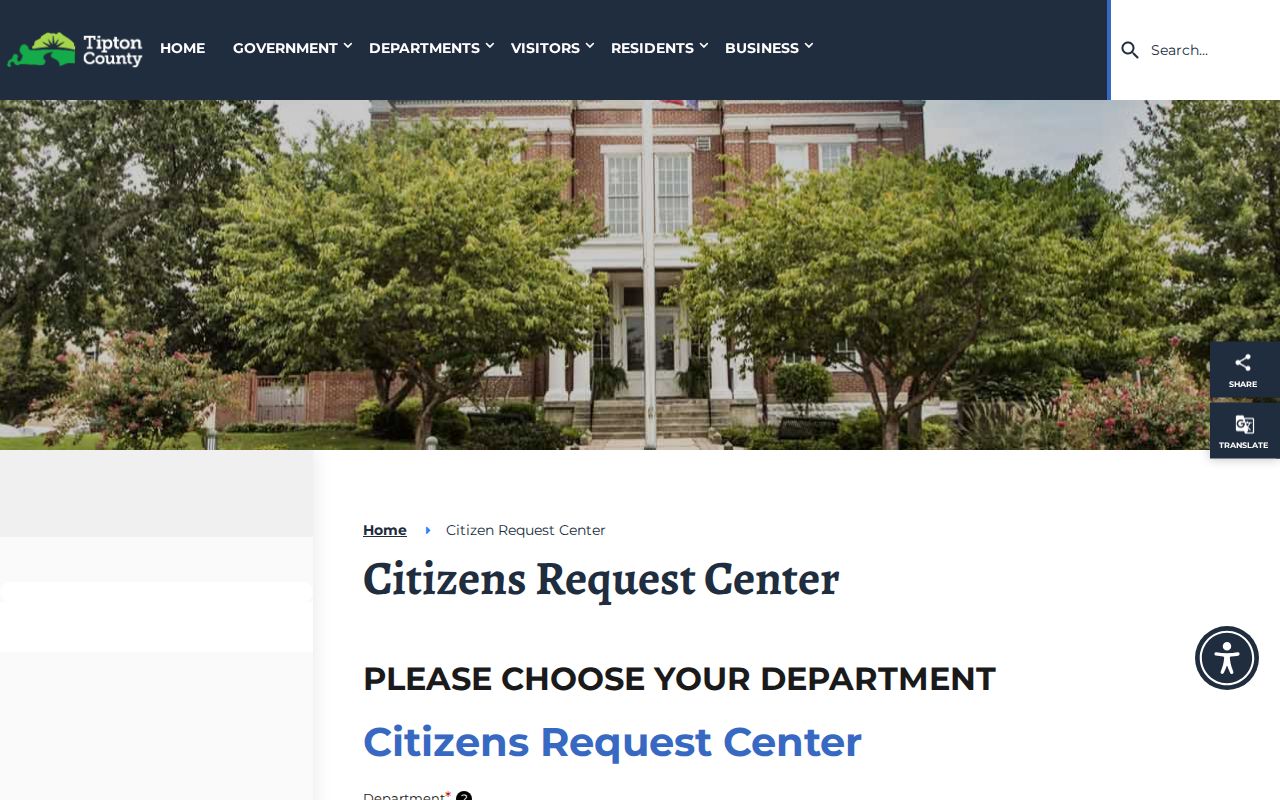
The Tipton County request form routes department questions, but it is not a warrant-status service.
What a Tipton County Warrant Search Returns
A Tipton County search returns an indexed case. When the matter and the query match, the docket may hold an entry about a missed appearance, capias, warrant, summons, bond, or recall. None of these gets its own filter. A clerk may need to explain the result. Tipton County publishes no standard public warrant-number format or county bond amount. Never fill a gap with a guess. Ask the office holding the file for the order or docket entry itself.
| Case number | Format not published Use the identifier assigned by the issuing court. |
|---|---|
| Case type | Criminal or Civil filter; no separate traffic choice was observed. |
| Issuing court | Circuit or General Sessions in the observed county search. |
| Warrant status | No dedicated active/inactive field; ask the clerk. |
| Bond and service | Not search fields; request the order, return, or current docket entry. |
Keep the court and case year with any note you make from the result.
Tipton County Warrant Search Results Need Clerk Review
In Tipton County, a returned case can show a party match, case number and year, court and case type, a docket link, and dates or status text where available. Those details locate a file. They do not prove a warrant is active. Nor that the result is the person searching. For a common name, call the Circuit or General Sessions clerk at 901-475-3320. Ask whether the process is current, served, returned, recalled, or superseded, and whether a new date is required. The county's Circuit Court page names the clerk route.
Where Tipton County Warrants Are Checked
In Tipton County, adult criminal and traffic cases start with Circuit or General Sessions and the clerk in Justice Center Suite 102. The Sheriff's Office handles law-enforcement and service questions from Suite 106. Corrections has a separate phone route. City ordinance or traffic matters go to that city's clerk. Tennessee has no single public statewide warrant-search portal; TNCRIM is for law enforcement, and the TBI history product is not a live warrant check. In Tipton County, ask the issuing court first. Then ask the proper enforcement office for current confirmation. The county courts directory helps route the question to a division.
Tipton County City Warrant Files Differ
Atoka, Brighton, Covington, Mason, and Munford each run a municipal court with its own city clerk. Their ordinance and traffic files may never appear in the Circuit or General Sessions filters. Juvenile records are restricted. Chancery and federal cases use other offices too. Match the citation to the right route. If the Tipton County portal shows no city file, call that city's clerk. A blank county screen is not a final answer. The Tennessee AOC Tipton clerk directory lists municipal contacts; juvenile files follow separate access limits on the county's Juvenile Court page.
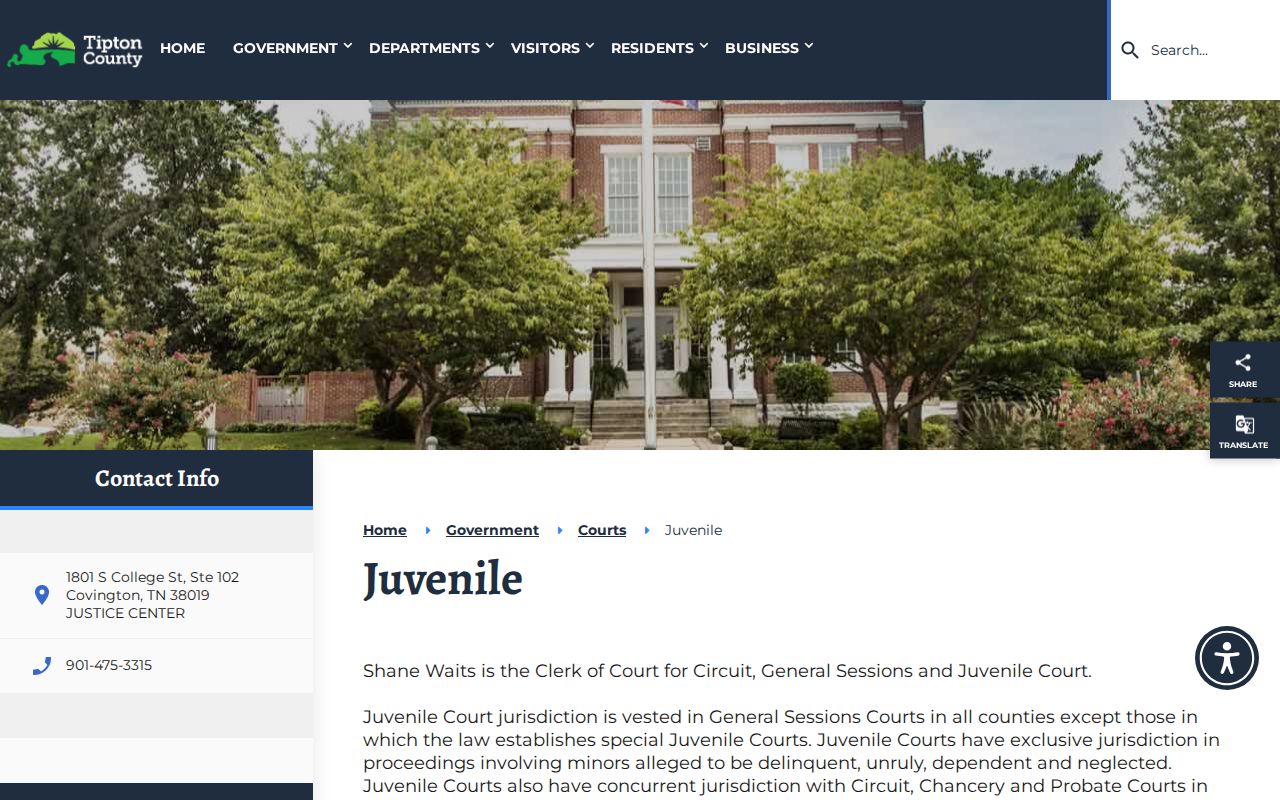
The Tipton County Juvenile Court page explains its office route but does not open protected juvenile records.
Tipton County Federal Warrants Need a Separate Route
Federal cases in Tipton County run through the Western District of Tennessee, Western Division. County and city warrant portals skip them entirely. PACER sells docket access for those courts, and CourtListener/RECAP sometimes offers free copies of public filings. Neither one proves the absence of a sealed or unserved federal warrant. For a live federal matter, talk to the federal clerk, the U.S. Marshals Service, or a lawyer. A public docket is a lead, not a status certificate. Fees can change, so check pricing first. Begin with Western District court information, open PACER, and read the current PACER pricing page before you search.
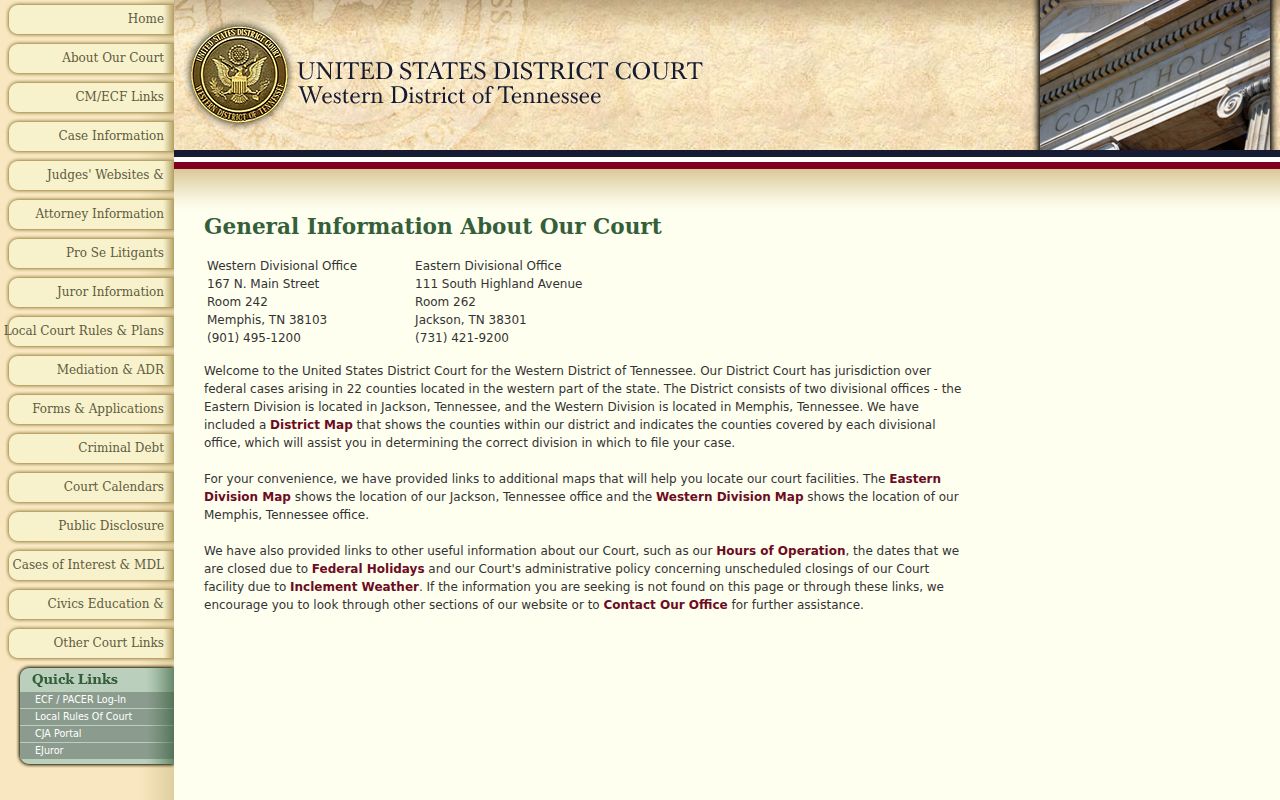
Federal warrants in Tipton County fall to a separate court system, so a different lookup route applies. The official PACER pricing guidance lists the current access charges.
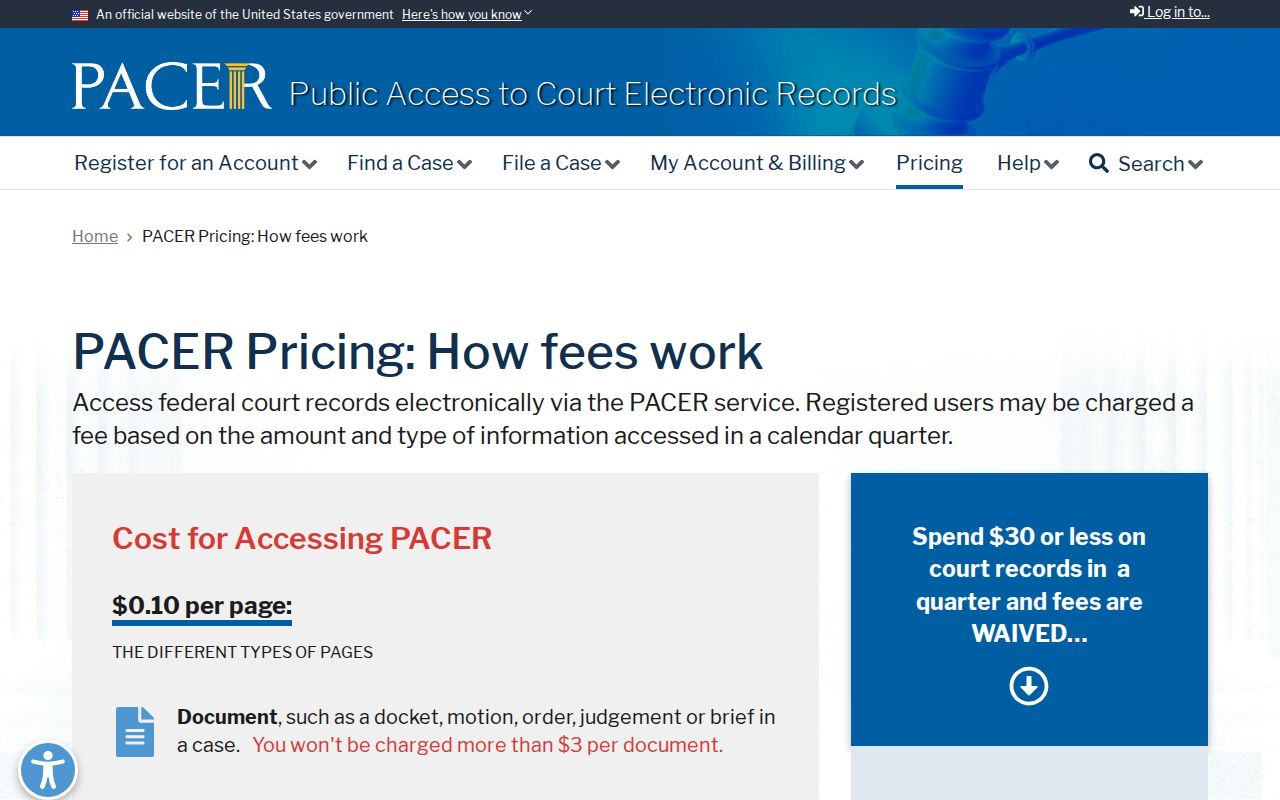
PACER’s fee information can change; check the official pricing page before use.
Tipton County Warrant Access Has Restricted Records
Tipton County records access has limits. The Tennessee Public Records Act covers records that exist; it does not force anyone to build a warrant list. Court access follows Supreme Court Rule 34. A sealed file, a juvenile record, a protected identifier, or an active-investigation detail can be withheld or redacted. Ask the custodian for the order, docket entry, service return, or recall record; if part is cut, request the non-exempt portion and the reason for denial.
Access rules:
Tenn. Code § 10-7-503 addresses public-record inspection.
Tenn. Code § 10-7-504 lists confidentiality limits.
Rule 34 governs public access to court records.
Tenn. Code § 37-1-154 limits access to juvenile law-enforcement records.
Tipton County Warrant Requests Name Existing Files
The Tipton County request form wants a description, a date range, a delivery choice, and whether you want inspection or copies. Name a real document, such as a warrant, return, docket entry, or recall, and send the request to that record's custodian. Comptroller guidance allows seven business days for access, a written denial, or a production estimate. Copy fees may apply, so ask. The Tennessee Comptroller's TPRA FAQ spells out the request rules.
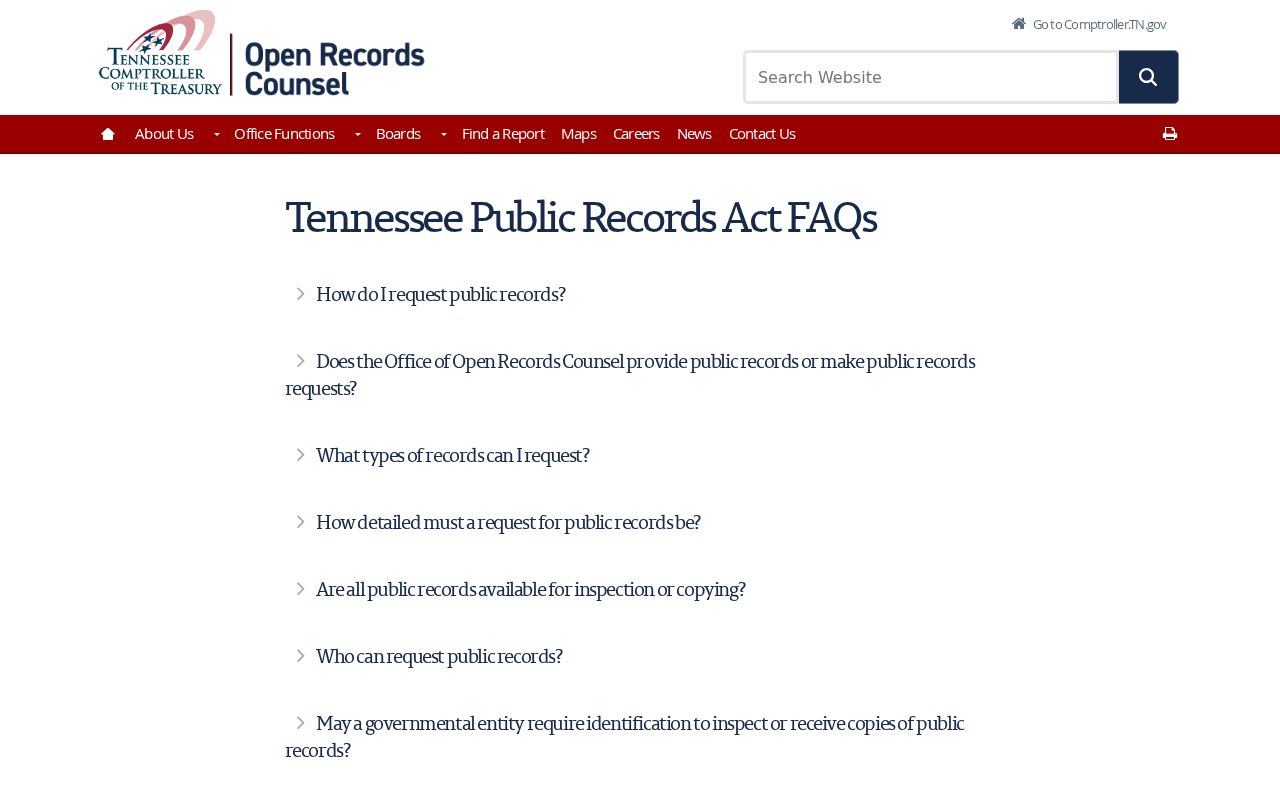
A request should seek an existing file, not a newly compiled roster.